> For the complete documentation index, see [llms.txt](https://kb.linknlink.com/isg/llms.txt). Markdown versions of documentation pages are available by appending `.md` to page URLs; this page is available as [Markdown](https://kb.linknlink.com/isg/advanced-features/home-assistant/add-devices-in-home-assistant/linknlink-devices.md).
# LinknLink Devices
This guide will provide a step-by-step explanation on how to add LinknLink devices to iSG built-in Home Assistant, along with troubleshooting tips for common issues.
## There are 3 ways to add LinknLink devices to Home Assistant
### 1. Using HACS integration
1\) Use LinknLink App to successfully add smart home devices and make sure they are under the same wifi as iSG
2\) Login iSG built-in Home Assistant in PC web browser, "Your iSG IP:8123"
3\) To load the “LinknLink Local” integration via HACS, please refer to the detailed guide on [HACS Integration.](https://kb.linknlink.com/isg/home-assistant/add-devices/hacs-integration)
4\) Add LinknLink Device via Home Assistant Integration, please refer to the detailed guide on [HA Integration](https://kb.linknlink.com/isg/home-assistant/add-devices/ha-integration).
### 2. Add through iSG
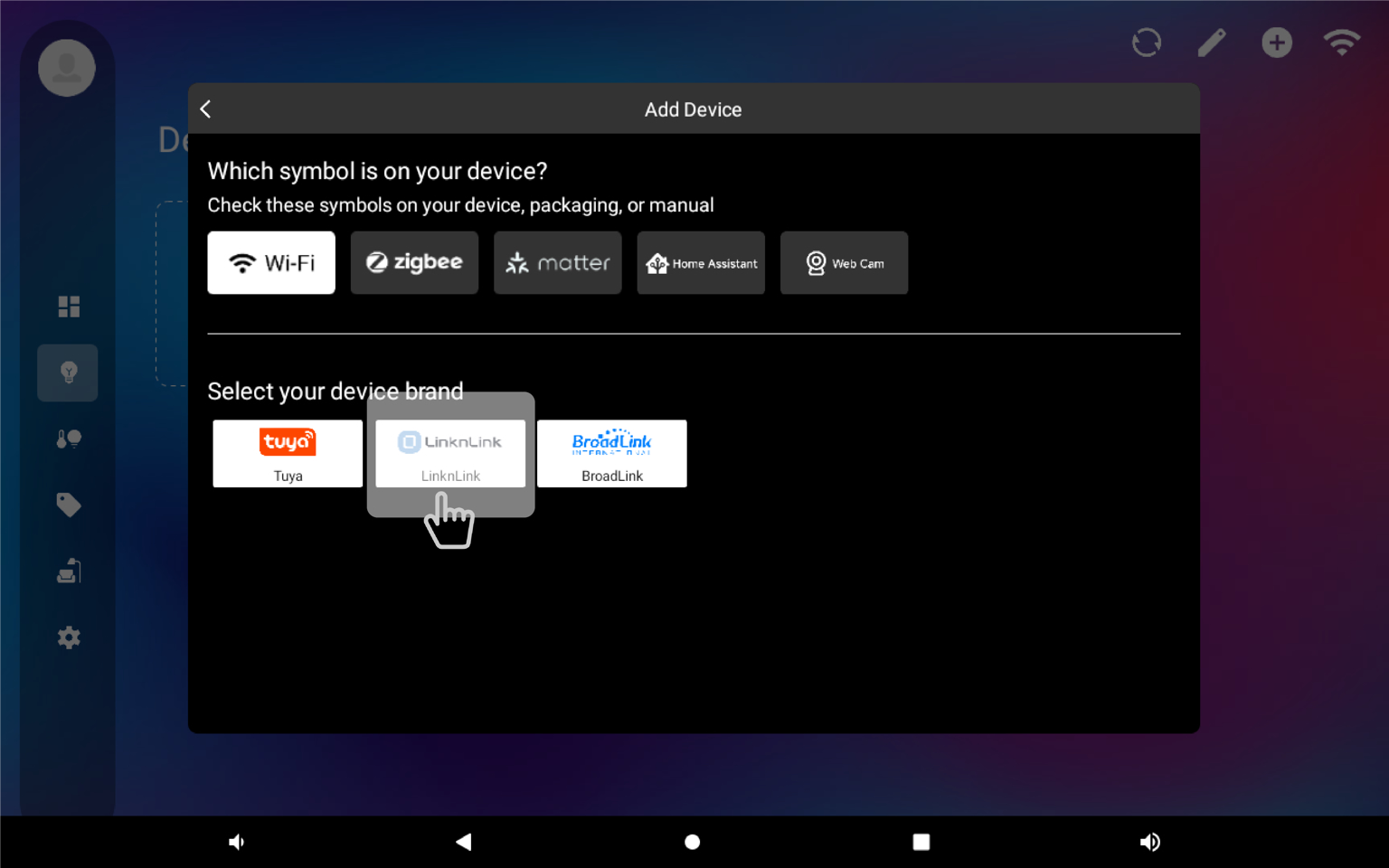
**1)** Add LinknLink device to iSG, you need use LinknLink App to add device first, then add it to iSG, please refer to the detailed guide on [***Add LinknLink Devices***](https://kb.linknlink.com/isg/using-isg/devices/add-linknlink-devices)
**2)** Configure **MQTT Broker** from iSG Add-ons, please refer to the detailed guide on [***MQTT Broker***](https://kb.linknlink.com/isg/using-isg/add-ons/mqtt-broker).
**Note :** You can skip this step if you already have external Home Assistant and installed mosquitto added as Mqtt broker
**3)** Connect iSG to MQTT Broker, please refer to the detailed guide on [***MQTT Settings***](https://kb.linknlink.com/isg/settings/mqtt-settings)***.***
**4)** Discover devices in Home Assistant
* Add **MQTT integration** in Home Assistant, please refer to the detailed guide on [HA MQTT Intergration](https://kb.linknlink.com/isg/home-assistant/add-devices/ha-integration/mqtt-intergration). and configure **Mqtt integration** with **iSG Mqtt Broker** (information is shown on iSG Mqtt Broker add-on)
* Now, Home Assistant will automatically discover the devices in MQTT integration
### 3. Device2MQTT
LinknLink smart home devices will fully support MQTT connections and will connect directly to Home Assistant, once you configure MQTT in your device it will be discovered directly in Home Assistant MQTT integration.
**Hint,** currently only support **eMotion**, **eMotion Max**
For detailed configuration methods, please view [***eMotion2MQTT***](https://kb.linknlink.com/kb/smart-home-devices/emotion-series/emotion2mqtt)