> For the complete documentation index, see [llms.txt](https://kb.linknlink.com/isg/llms.txt). Markdown versions of documentation pages are available by appending `.md` to page URLs; this page is available as [Markdown](https://kb.linknlink.com/isg/using-isg/add-ons/optional-utility-add-ons/matter-bridge.md).
# Matter Bridge
iSG natively supports adding Matter-over-WiFi devices (see [**Add Matter Devices**](/isg/using-isg/devices/adding-devices/add-matter-devices.md)). These devices will automatically sync to Home Assistant if your iSG is connected to HA (check **Settings > Local HA**).
However, if you prefer to add Matter devices directly in iSG's built-in Home Assistant, you’ll need to use this add-on.
This add-on is optional and not installed by default. To use it, go to the **Add-On** section, click **Install**, and then switch **Enable** on after installation.
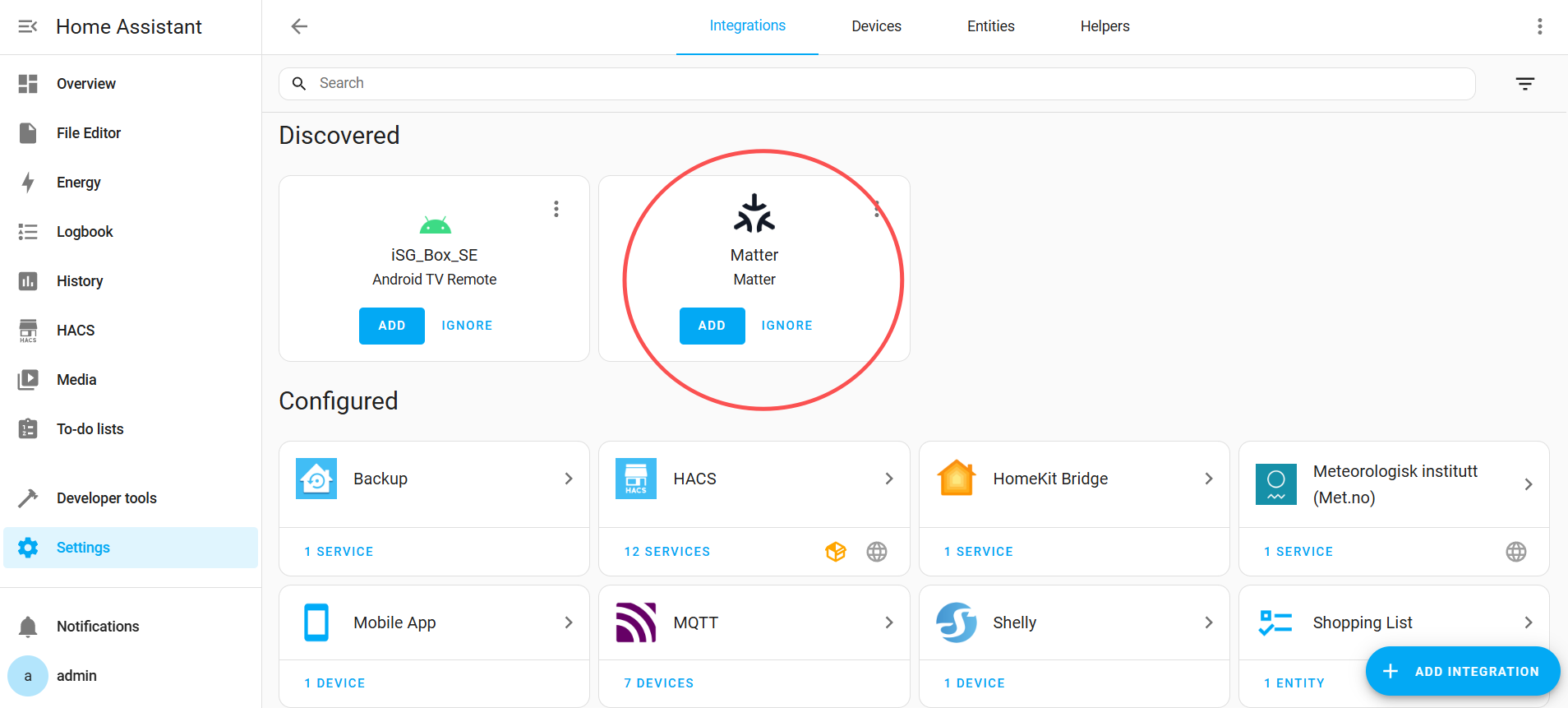
After enabling the add-on, go to Home Assistant and click **ADD** on the discovered Matter integration.